Organizing Shared Living Room IPTV: Distinguishing Observations from Hypotheses
October 26, 2026 · 16 min read
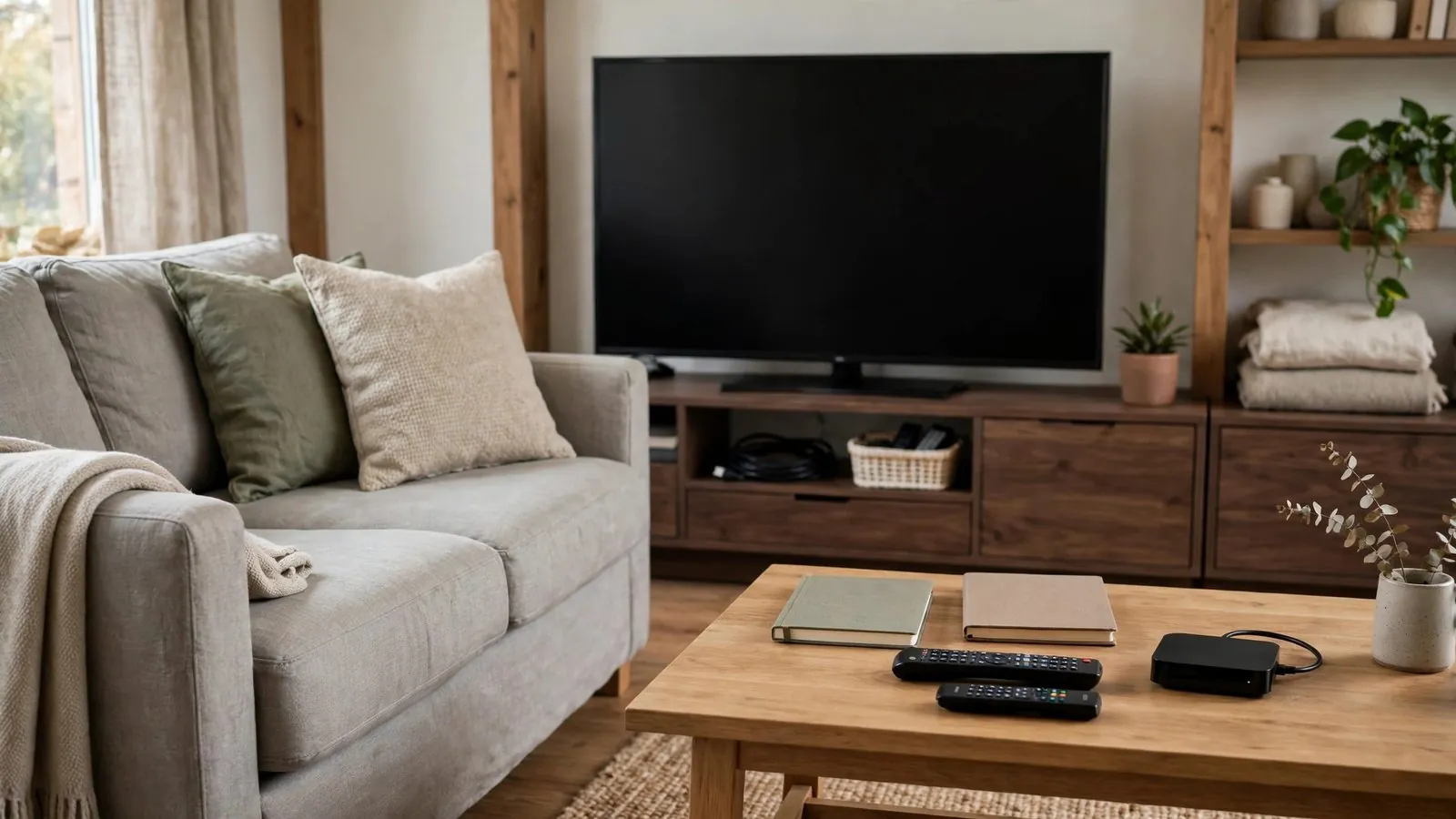
A shared living room brings together household members with distinct viewing schedules, technical comfort levels, and entertainment expectations. When the television screen suddenly freezes or an unfamiliar notification appears during an evening broadcast, the immediate reaction is often frustration. In many homes, someone quickly declares that the internet connection has failed, the streaming device is broken, or a specific roommate is consuming all household bandwidth. These statements feel authoritative in the heat of the moment, yet they remain unverified until checked against observable details.
Jumping directly from an unexpected on-screen occurrence to an unverified explanation can cause unnecessary living room friction. When people act on unproven guesses, they may alter application settings, restart shared equipment during someone else's viewing window, or initiate destructive factory resets that wipe saved preferences. Establishing a clear household standard that separates direct, neutral observations from working hypotheses helps communal spaces maintain calm, orderly, and reliable television viewing while reducing interpersonal friction and the risk of accidental system misconfigurations.
The Dynamics of Communal Viewing: Why Assumptions Trigger Living Room Friction
In a private room, an individual viewer can experiment with device settings without affecting anyone else. In a shared living room, however, the main television functions as shared household infrastructure. Multiple roommates, partners, or family members rely on the same physical screen, audio equipment, and application interface.
When an unexpected playback interruption happens, emotional pressure builds rapidly, especially during live events or shared movie nights. Without a structured approach, individuals project their assumptions onto the screen:
• The Quick-Fix Instinct: One viewer grabs the remote control and rapidly alters stream resolutions, audio decoders, or playback buffers, leaving the interface disorganized for the next user.
• The Accusation Dynamic: Another resident assumes someone in another room is downloading large files, generating resentment without confirming whether local traffic is related to the stream.
• The Redundant Setup Loop: Someone assumes the account has expired, deleting and re-entering credentials repeatedly, which introduces typing errors or risks locking profile access.
While infrastructure outages and hardware faults certainly occur, unnecessary friction often escalates when household members treat an initial suspicion as an established truth. Recognizing that an assumption is merely a guess allows household members to pause, preserve existing settings, and communicate objectively.
Defining the Boundary: What Is an Observation Versus a Hypothesis?
To build an organized living room routine, household members must understand the fundamental difference between an empirical observation and an interpretive hypothesis. This distinction forms the foundation of rational problem-solving.
An observation is an objective, verifiable account of what was directly witnessed through sight, sound, or physical interaction with the television interface. It contains no causal assumptions, no blame, and no speculation about background infrastructure. It answers three simple questions: What was visible? What was audible? What happened when an input was provided?
Clear examples of factual observations include:
• At 8:15 PM, video playback paused on a single frame, and an on-screen circular loading icon began rotating.
• Audio continued playing clearly, but the screen went completely black after switching from channel five to channel twelve.
• Pressing directional arrows moved the selection highlight across the menu, but pressing the select button on a stream tile produced no visual change.
• The application interface closed abruptly and returned to the television system home screen upon selecting a channel.
• The screen displayed a dialogue box reading: "Playback connection timed out after 10 seconds."
A hypothesis is an inferred explanation or theory proposed to account for an observation. While hypotheses can be useful starting points for systematic investigation, they are inherently speculative until verified. Common unverified hypotheses include assuming a provider's servers crashed, an internet service provider deliberately throttled traffic, streaming hardware overheated, or an account was cancelled without notice.
When household discussions focus on observations, everyone agrees on the starting point. When discussions focus on conflicting hypotheses, viewers argue over competing theories rather than working with observable reality.
Common Screen Symptoms: Recording Factual Observations Without Speculation
Documenting an issue accurately does not require advanced technical training. It requires paying disciplined attention to the specific feedback the application and television provide across four clear categories:
• Visual Symptoms: Notice the exact behavior of the picture before touching buttons. Is the image completely frozen on a specific frame, or is the screen uniformly black? Is there an on-screen progress bar or loading spinner? If so, is the spinner actively animating or frozen? Does the picture show localized visual fragmentation (blocky distortion) while motion continues, or does the entire image halt simultaneously? Does the elapsed playback counter continue advancing, or has the time indicator stopped?
• Auditory Behavior: Sound provides critical clues independent of display rendering. Did audio cut out simultaneously with the video, or did sound continue uninterrupted while the picture froze? Is there repeated audio stuttering, or complete digital silence? If video resumes, is spoken dialogue synchronized with on-screen mouth movements, or is there an observable delay?
• Interface Responsiveness: Before power-cycling hardware, check whether the software interface is still processing commands. Does pressing the menu or back button on the remote bring up the application's navigation overlay? Does the television's hardware volume indicator appear when volume buttons are pressed? Can the cursor move between menu items even if the video window behind the menu remains unresponsive?
• Textual Notices and Error Wording: Pay strict attention to precise phrasing displayed on screen. Distinguish between a specific network status code (such as an explicit "HTTP 404" or "HTTP 503" status message) and a generic client-side notification such as "Unable to connect to source" or "Playback timed out." Never assume an error code represents a specific server malfunction unless the application explicitly defines that code in user documentation.
Protecting Sensitive Data: Safe Household Note-Taking and Playlist Privacy
In a communal living environment, keeping notes about television performance is a practical way to track recurring patterns. However, personal media configurations often involve sensitive credentials, account identifiers, and private digital tokens. Documenting observations must never compromise household privacy.
If your living room uses a shared whiteboard, paper notebook, or communal group message thread to log TV observations, adhere to strict privacy boundaries:
• Never Record Passwords or PINs: Do not write administrative passwords, account passwords, or parental control PINs in public view.
• Protect Full Playlist URLs: Modern streaming playlists often embed individualized access tokens or authentication keys directly within the link structure. Writing a full playlist URL on a shared board exposes access credentials to casual visitors and guests.
• Obscure Account Identifiers: When noting account profiles, use generic household nicknames (such as "Living Room Box" or "Profile A") rather than customer identification numbers, billing email addresses, or internal account handles.
Taking a photograph of an on-screen error with a smartphone is an easy way to preserve exact wording, but television menus can display private parameters in the background. Before capturing a screen photo, verify whether the display exposes account usernames, server domain addresses, or unique device MAC addresses. If an on-screen settings menu must be photographed for household reference, manually crop or blur any fields containing authentication keys, IP addresses, or subscription expiration dates. Keep in mind that a photo is entirely optional; writing down the single line of error text and the timestamp on a scratchpad provides all necessary context while minimizing the risk of accidental credential exposure.
Qualitative Matrix: Raw Sensory Observations Versus Working Hypotheses
To help household members adopt an objective mindset, the following qualitative table contrasts common sensory observations with typical speculative reactions, detailing the practical risks of hasty assumptions and the constructive alternative.
Observable Screen Event: Loading circle appears for 20 seconds during a broadcast; menu bar remains responsive. · Common Working Hypothesis: "The entire streaming provider platform has collapsed." · Practical Risk of Acting on Hypothesis: Submitting frantic cancellation requests or power-cycling equipment during others' viewing. · Constructive Household Action: Record timestamp and channel; test navigation by switching to another channel to see if isolated.
Observable Screen Event: Application exits unexpectedly to the TV home launcher after 15 minutes of playback. · Common Working Hypothesis: "The smart television's internal memory has permanently failed." · Practical Risk of Acting on Hypothesis: Spending money on replacement hardware or performing an unneeded factory reset. · Constructive Household Action: Note application version and time; re-launch application once calmly without altering system settings.
Observable Screen Event: Audio continues playing smoothly, but video display remains completely black. · Common Working Hypothesis: "A roommate in the next room is hogging the entire household internet bandwidth." · Practical Risk of Acting on Hypothesis: Starting interpersonal arguments or altering router rules without verified cause. · Constructive Household Action: Check whether the application's on-screen transport controls render over the black screen.
Observable Screen Event: The electronic program guide (EPG) grid displays "No Information" across all channels. · Common Working Hypothesis: "Our service access has been revoked or the subscription was suspended." · Practical Risk of Acting on Hypothesis: Panicked re-entry of account details, introducing typing errors, or overwriting working profiles. · Constructive Household Action: Test whether a channel still launches live video at that moment; check if the application provides a manual guide refresh option or configuration settings.
Observable Screen Event: Picture stutters briefly every thirty seconds, but audio remains clear and synchronized. · Common Working Hypothesis: "Our internet connection is being throttled down by the service provider." · Practical Risk of Acting on Hypothesis: Attempting complex network modifications or filing unsubstantiated service complaints. · Constructive Household Action: Document exact interval and duration; if the playback app or device provides display refresh rate or frame-matching settings, check whether adjusting them alters the symptom.
Referencing this comparison helps household members recognize when they are about to take a disruptive action based on speculation rather than empirical evidence.
Step-by-Step Shared Living Room Organization Checklist
To keep living room entertainment orderly, post this practical, non-technical checklist near the shared television or keep it easily accessible to all household members. Follow these steps sequentially whenever an unexpected viewing anomaly occurs:
• 1. Check the Clock and Record the Exact Time: Write down the precise hour and minute. Recording exact timestamps helps determine whether playback anomalies follow a recurring schedule or occur randomly.
• 2. Note the Specific Channel or Content Title: Record the exact label of the stream being watched. Specific labels help identify whether an issue is confined to an isolated source.
• 3. Document the Literal Visual and Audio State: Note whether the screen is frozen, black, or showing an active loading icon. Note whether audio is present, silent, or delayed.
• 4. Transcribe Any On-Screen Text Verbatim: Copy exact words and numeric codes displayed on screen. Do not summarize; precision reduces ambiguity when investigating the issue.
• 5. Test Basic Remote Control Navigation: Press the back or menu button once. Observe whether the application interface responds to commands.
• 6. Perform a Single Non-Destructive Isolation Action: Navigate back to the main channel list and select a different stream, or close and reopen the application once.
• 7. Verify Digital Privacy Before Sharing: Ensure no account passwords, personal access tokens, or full subscription URLs are included in shared household notes.
• 8. Implement the Household Pause Rule: If the symptom persists, pause for an agreed-upon duration (such as five to ten minutes as a practical example) before considering hardware restarts, helping avoid unnecessary disruption to other residents.
Two Explicitly Hypothetical Household Scenarios
The following two scenarios are explicitly hypothetical illustrations rather than proof of technical outcomes; they show how distinguishing observations from hypotheses can help households reduce interpersonal friction and avoid hasty configuration changes.
Scenario A: Flatmates and the Friday Evening Stream Pause
Three flatmates—Morgan, Riley, and Sam—share an apartment with a single smart television in their communal living room. On a Friday evening, the group sits down together to watch a live documentary broadcast. Forty minutes into the broadcast, the video suddenly freezes on a static frame. An on-screen spinning indicator appears, accompanied by a text banner stating: "Buffering stream data."
Riley immediately asserts that Sam must be running large data backups on a work computer in the back bedroom, stating: "Sam's computer is choking our router again." Meanwhile, Morgan grabs the remote and prepares to execute a full factory restore of the streaming box, insisting: "This box has been glitchy all week; we need to wipe it clean."
Sam asks everyone to pause briefly—taking a moment such as sixty seconds—so they can log what is actually happening. They record the factual observations: 8:42 PM local time, channel "Documentary World HD," frozen frame with active rotating spinner, silent audio, and a responsive navigation menu. Because the application menu is responsive, Morgan refrains from wiping the device. Instead of arguing about bandwidth, Sam tests a gentle navigation step by switching channels and returning. In this hypothetical case, the stream resumes playing smoothly. By cataloging the observation and testing an isolated, non-destructive step, the flatmates preserved their saved preferences and avoided an unnecessary dispute, though technical results will vary depending on the root cause.
Scenario B: A Multi-Generational Family and the Blank Program Guide
David lives with his retired parents, Arthur and Eleanor. Arthur watches daytime news and classic cinema in the living room every afternoon using a dedicated media streamer connected to the main screen. Arthur sits down at 2:00 PM and opens the streaming application. Upon opening the electronic program guide, every channel slot shows a blank grey rectangle reading "No Information Available."
Arthur becomes agitated, believing the family's streaming account has been abruptly cancelled or that the streaming device has contracted a security compromise. He begins navigating deep into the device's administrative settings, attempting to manually change network address configurations and delete account profiles to re-install everything from scratch.
David enters the room and gently asks Arthur to pause before changing system settings. Together, they review the screen objectively:
• Time: 2:03 PM.
• Observation: The guide grid shows "No Information Available," but channel logos and names are fully visible.
• Functional check: David selects one of the channels labeled "No Information Available." The channel launches immediately and plays live video with crisp audio.
• Interface verification: In this application's settings, a status indicator noted that the next scheduled guide update was pending for 2:15 PM.
The factual observation—that the video stream played normally despite the empty schedule grid—demonstrated only that the selected stream played at that moment, rather than confirming account suspension. Pausing before modifying system settings protected the family from deleting working login details and reconfiguring an otherwise functional setup.
Preparing Objective Records for Support Review
When an unusual streaming issue persists, household members may decide to contact customer support or consult an external technical specialist. While support response procedures and diagnostics vary by service provider, presenting a concise, observation-based log provides support agents with clear technical context rather than speculative assumptions.
A well-structured inquiry strips away all speculation and presents clean, empirical data:
• Hardware and Application Context: Specify the make and model of the television or streaming player, along with the exact version number of the playback application in use.
• Timestamped Symptom Log: Include two or three specific instances when the issue occurred, noting the exact date, time, and timezone.
• Verbatim Error Documentation: Provide the exact text of any on-screen dialogue boxes, including specific status codes or error messages.
• Sensory Behavior Summary: State clearly whether audio continued while video failed, or whether both halted together.
• Non-Destructive Steps Taken: Describe what gentle steps were attempted (e.g., "Switched to a different channel and returned," "Closed and reopened the application"), and record whether the symptom changed.
Strictly omit credentials, passwords, private access tokens, and speculative accusations (such as "Your servers crashed"). Factual descriptions give support teams clear, verifiable details without introducing unverified assumptions about provider infrastructure.
Conclusion
A shared living room should be a place of relaxation and shared entertainment, not a battleground for competing technical theories. When streaming interruptions occur, the impulse to diagnose the cause immediately often causes more disruption than the initial playback pause itself.
By committing to a clear distinction between what is directly observed and what is merely hypothesized, households can better protect their shared equipment, safeguard private credentials, and approach troubleshooting methodically. Documenting facts rather than assumptions helps keep communal viewing organized and collaborative for everyone in the home.
Ready to get set up?
Frequently asked questions
Why is jumping to an immediate hypothesis harmful in a shared living room?
When viewers jump straight to an unverified explanation, they tend to take drastic, impulsive actions. Resetting media boxes, modifying router configurations, or altering application decoders disrupts other household members who rely on the same equipment. Furthermore, treating a guess as a fact often sparks unnecessary personal arguments among flatmates or family members. Sticking strictly to verifiable observations helps maintain a collaborative environment and reduces the risk of accidental configuration damage.
What should a household do if an error message appears but disappears too quickly to read?
If an error banner flashes on screen and vanishes before it can be read, do not guess what it said. Simply note the exact time the event took place, the channel being viewed, and how the stream responded (for example, whether it returned to the menu or paused on a black frame). If the symptom recurs, keep a notepad nearby to record the first two or three words of the prompt. A partial literal transcript is significantly more valuable than an invented summary.
How can flatmates determine who is authorized to adjust living room device settings?
The simplest organizational rule for shared spaces is the "View-Only" standard for general users. Household members should agree that daily viewing involves only standard playback controls: selecting channels, adjusting volume, and browsing program guides. Any adjustments to advanced application settings, video rendering options, or network parameters should require a brief consensus among all residents. This helps protect shared equipment from unintended misconfigurations caused by rushed troubleshooting.
Does an empty program guide mean an account has been suspended?
Not necessarily. An empty electronic program guide can stem from several distinct causes, including pending data synchronization, guide source server downtime, an invalid guide URL, or local cache discrepancies. Testing a channel directly demonstrates only whether that specific stream is playable at that moment, not overall account or connection health. If a stream plays while the guide remains blank, it shows that media playback and schedule data operate independently. Depending on the application, viewers can inspect whether a manual guide refresh option is available or review guide configuration settings, without assuming account suspension or guaranteed guide population.
What is the safest way to document an issue without exposing private playlist data?
The safest method is writing a concise manual note on physical paper or in a private text file. Record the date, time, channel name, and exact error text. If an on-screen screenshot is taken with a mobile phone, inspect the photo carefully before sharing it with housemates. Crop out or obscure any visible account numbers, server URLs, usernames, or unique device MAC addresses that may be displayed in the background menus.